Is this ghost mannequin tool really free?
Yes — you can try AdWorker's AI ghost mannequin tool online with no account required. Upload a clothing photo, remove mannequins or hangers, fix necklines, and download a white-background product photo without installing Photoshop.
Do I need Photoshop or any software to use this?
No software installation required. AdWorker's ghost mannequin tool runs entirely in your browser. Unlike the traditional ghost mannequin Photoshop workflow — which requires masking, layer compositing, and manual neck joint work — our AI handles the process automatically in seconds.
How is this different from ghost mannequin photo editing services?
Traditional ghost mannequin photo editing services use human editors to manually retouch each image, which often means extra cost and waiting time. AdWorker uses AI to create a ghost mannequin result online in seconds, making it a faster option for sellers with high image volume.
What types of photos work best for ghost mannequin photography?
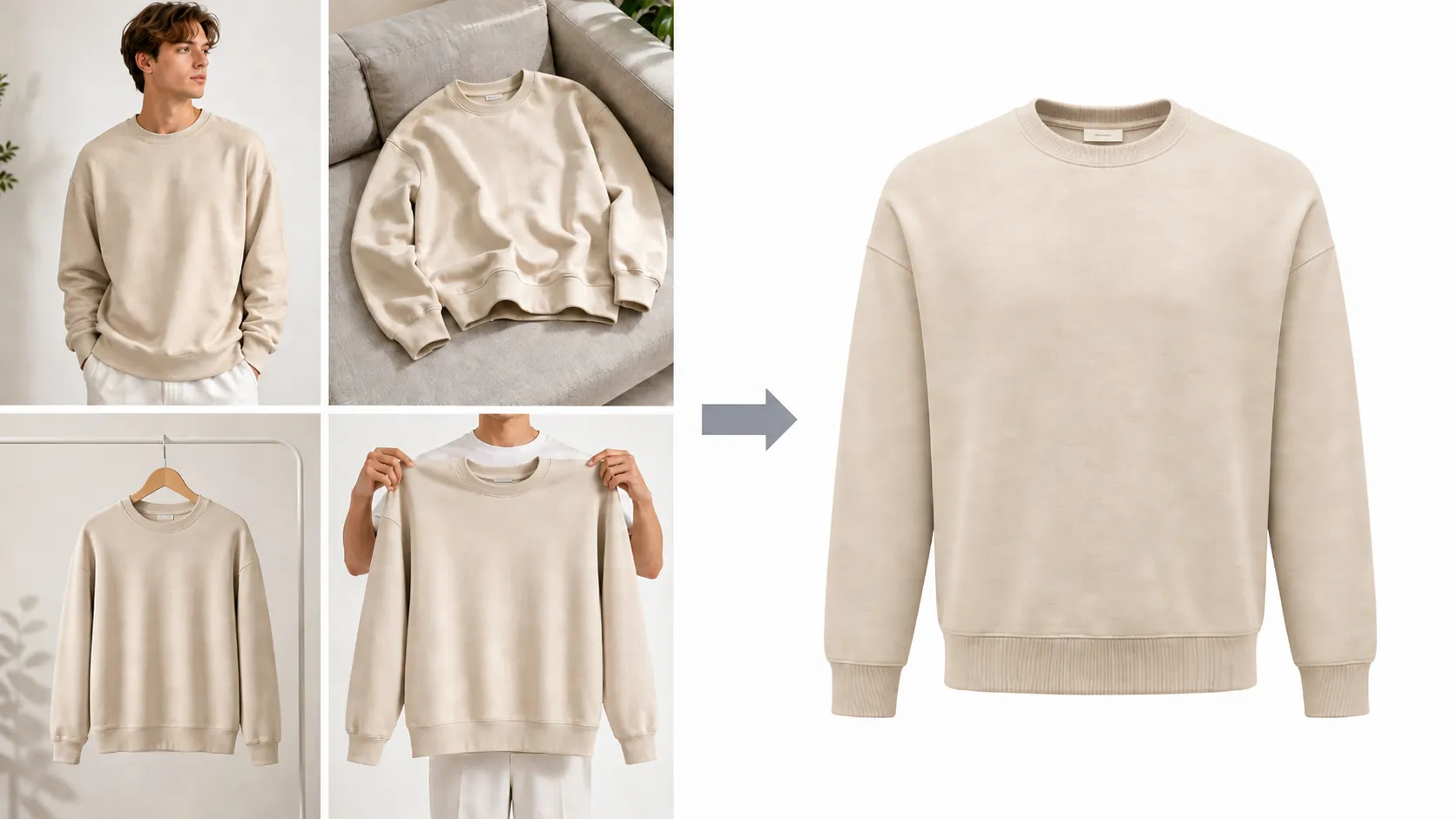
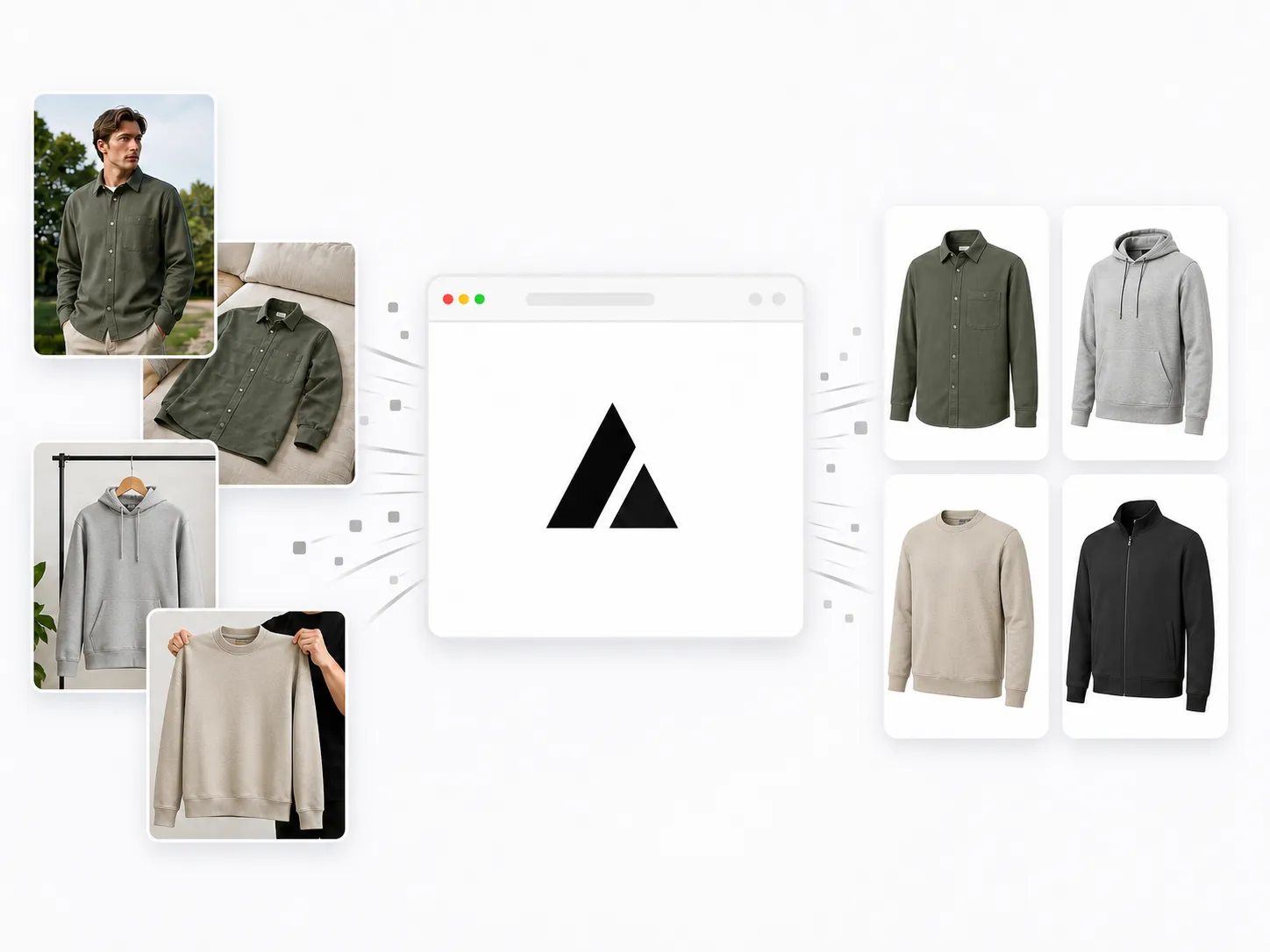
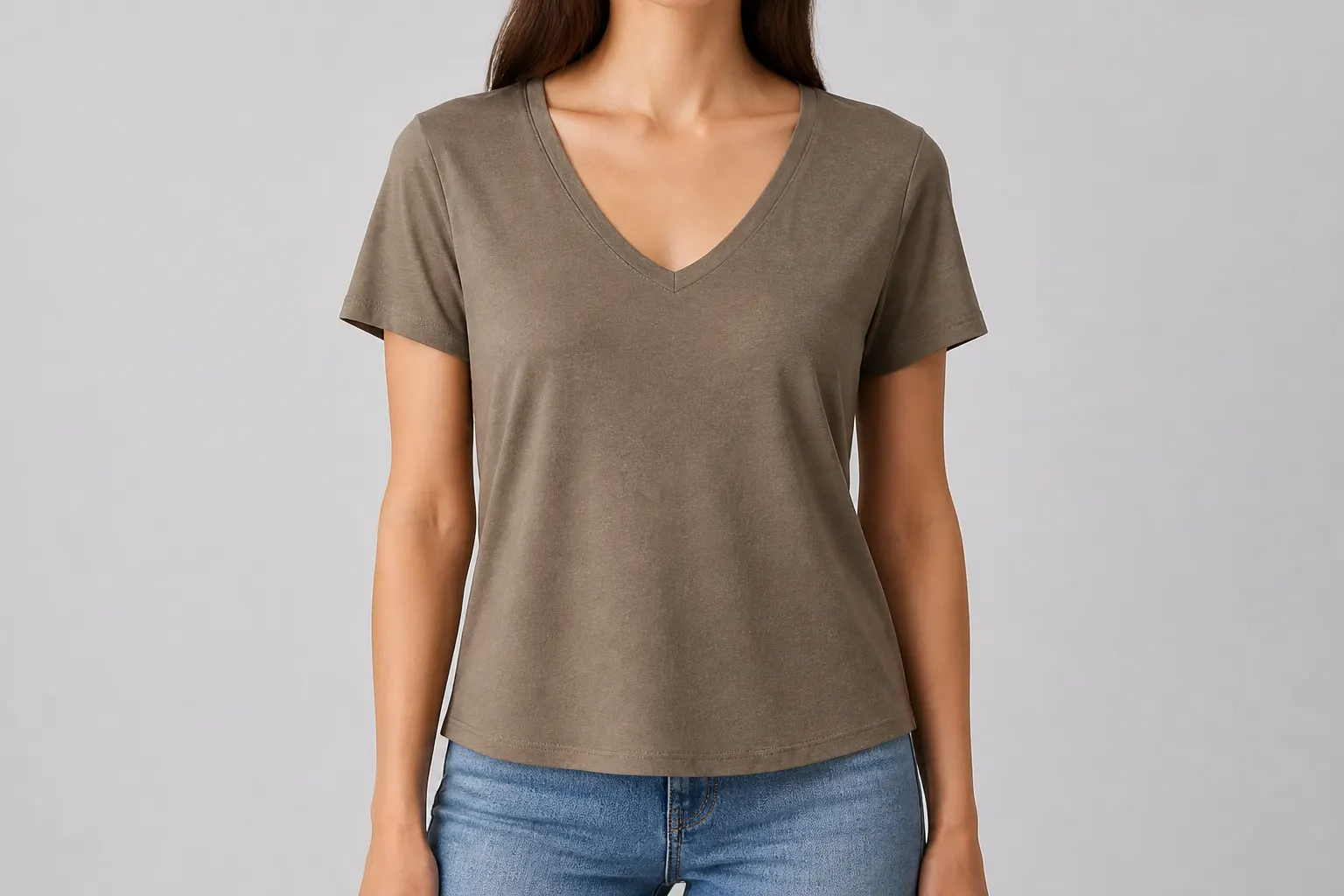
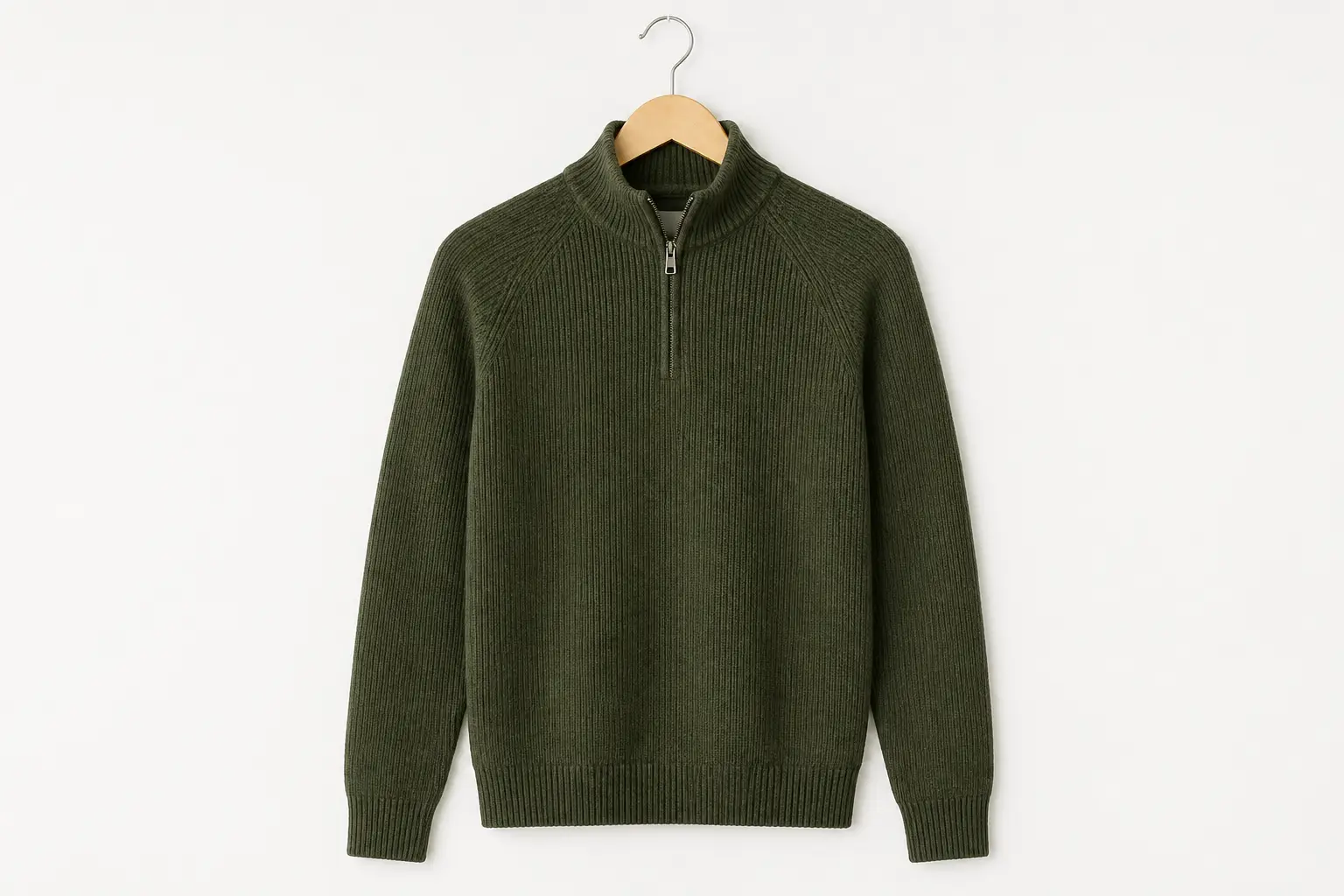
The tool accepts three types of input: on-model shots (clothing worn by a person or mannequin), flat lay photos (garment laid on a surface), and hanger shots (clothing hanging on a hanger). All three are automatically detected and processed into the same clean invisible mannequin effect output.
What is the ghost mannequin effect, exactly?
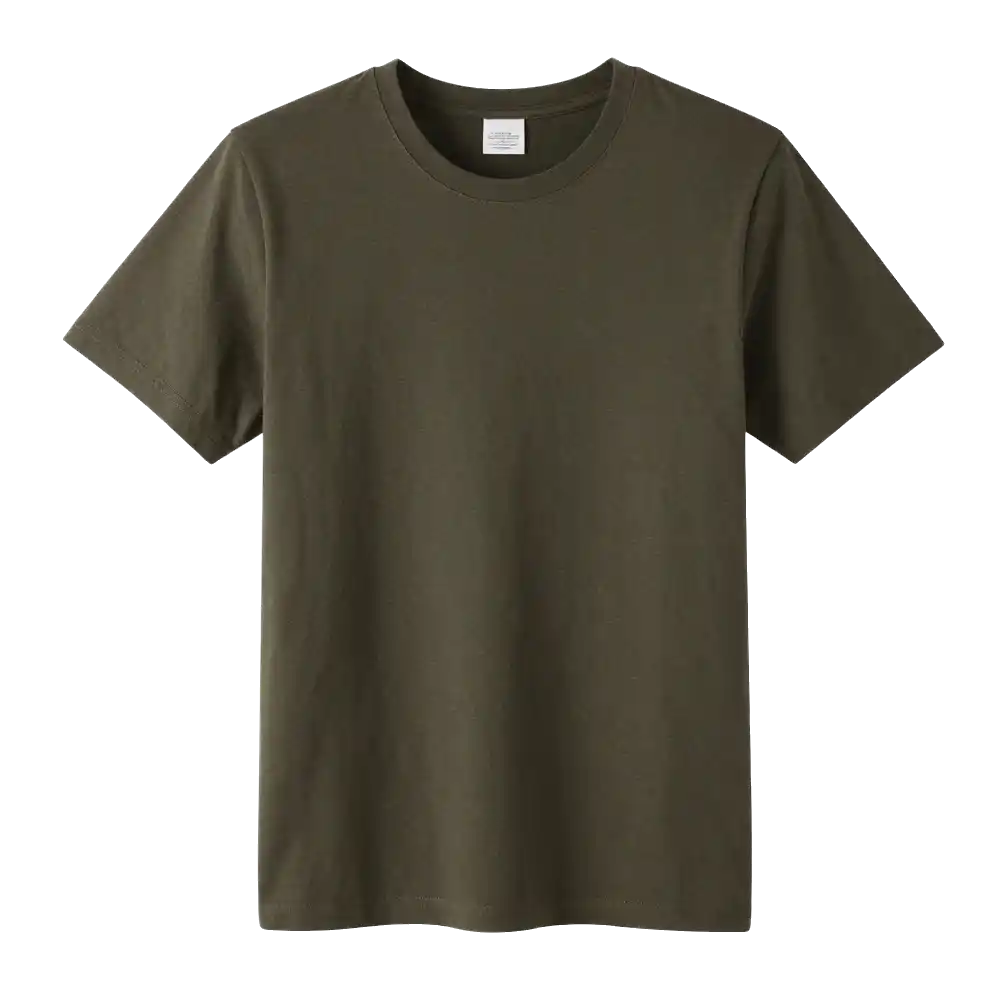
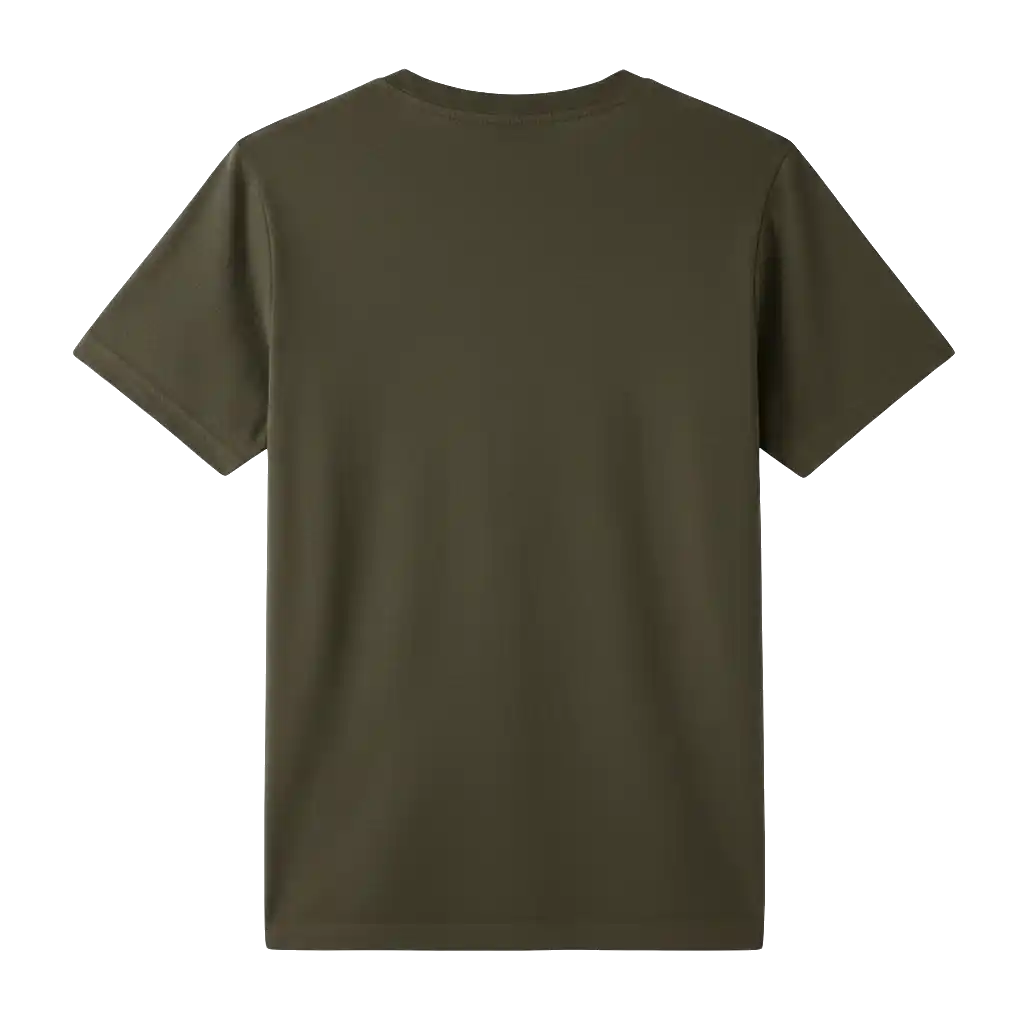
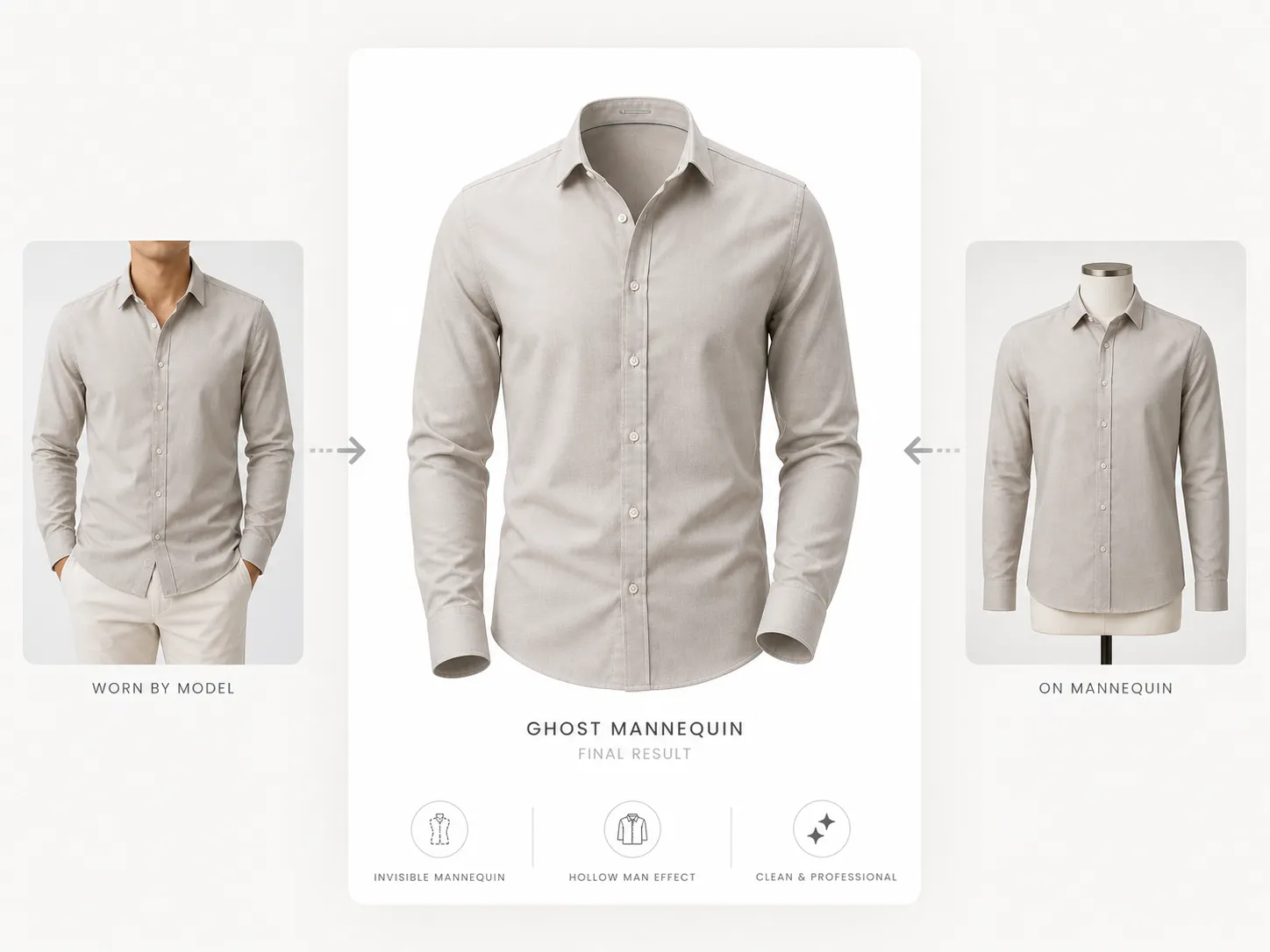
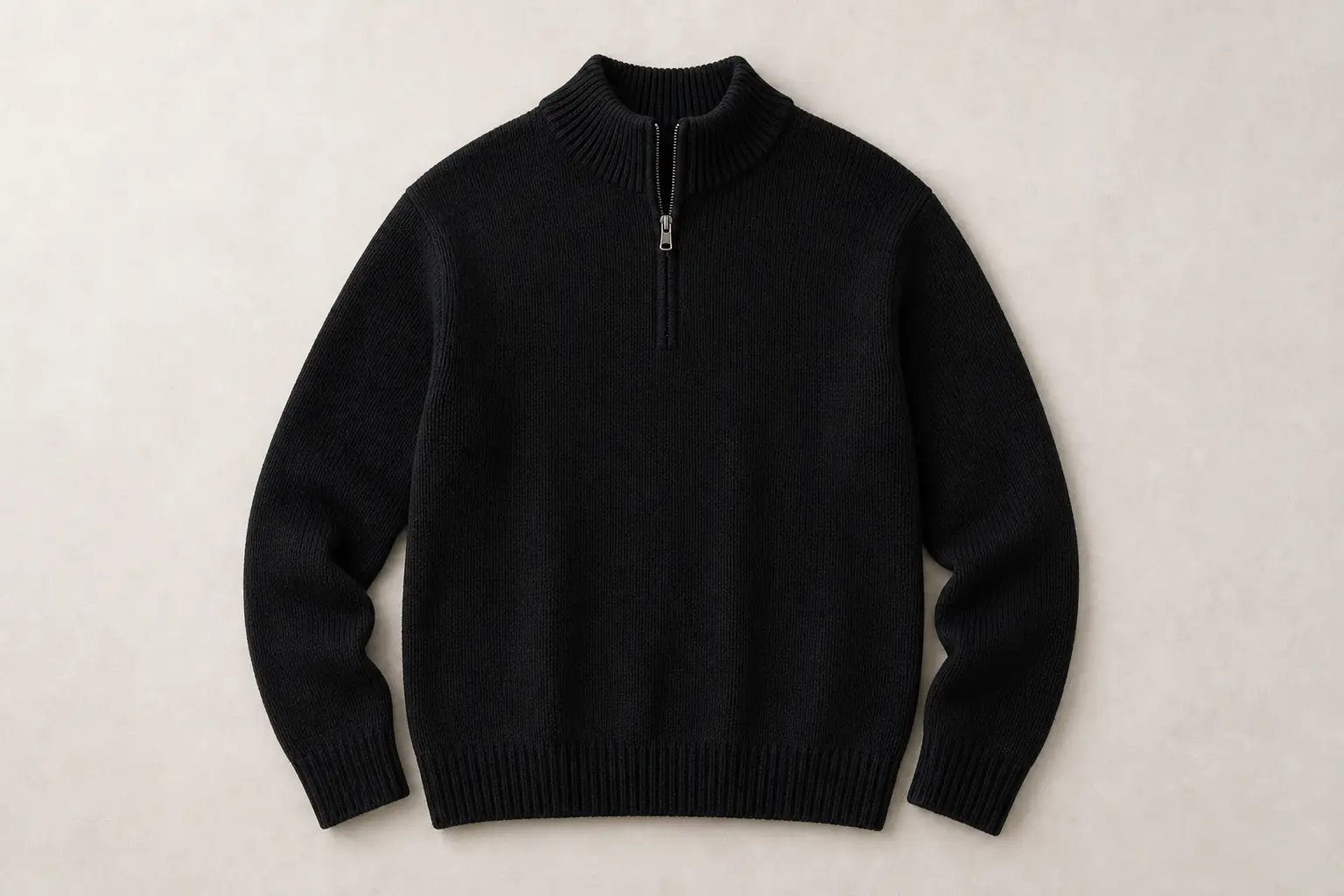
The ghost mannequin effect, also called the invisible mannequin effect or hollow man effect, makes clothing appear as if worn by an invisible person. It preserves the 3D shape and fit of the garment while removing any visible model, mannequin, or hanger — resulting in a clean, professional product photo with a white background.
Can I use the ghost mannequin images for Amazon and Shopify?
Yes. The output is a white-background PNG designed for marketplace-style product listings on Amazon, Shopify, Etsy, eBay, and other online stores. Always review the final image against each platform's current image rules before publishing.
What is neck joint editing and does the AI handle it?
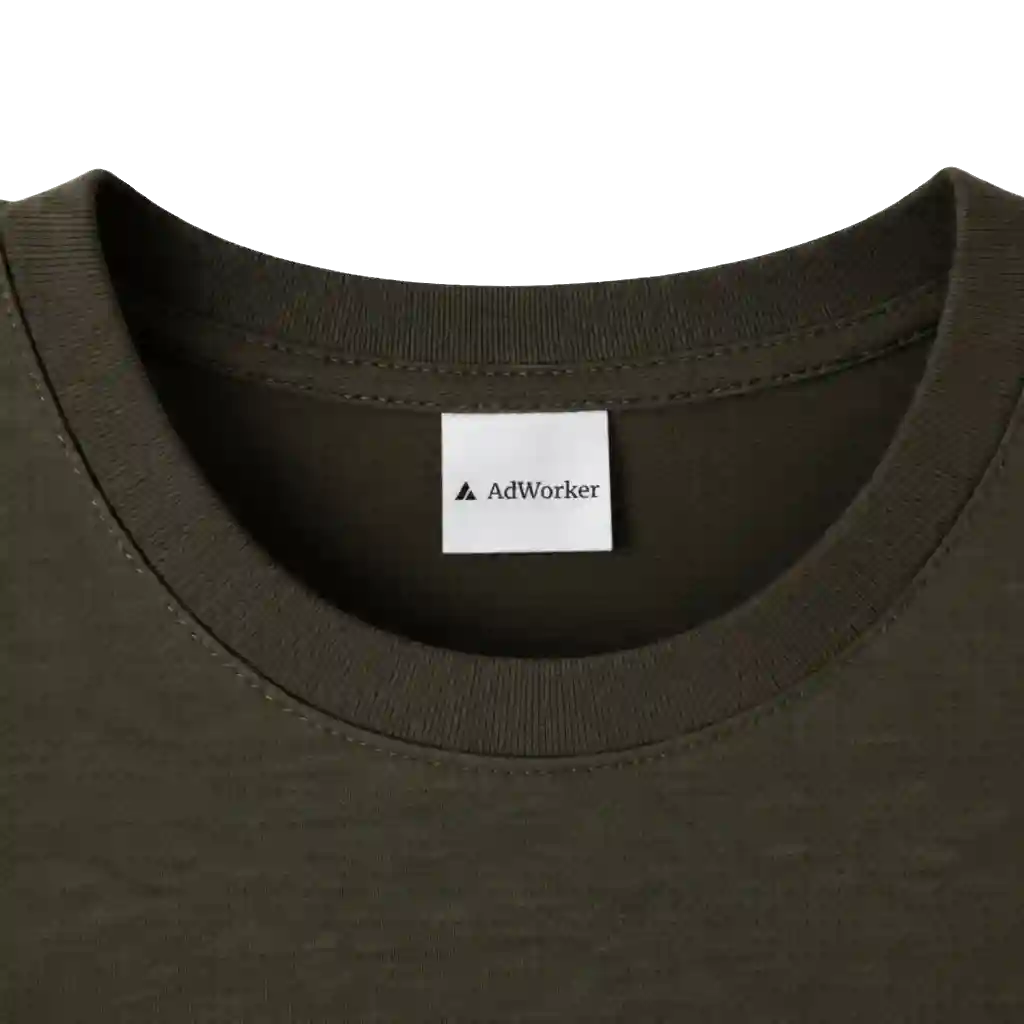
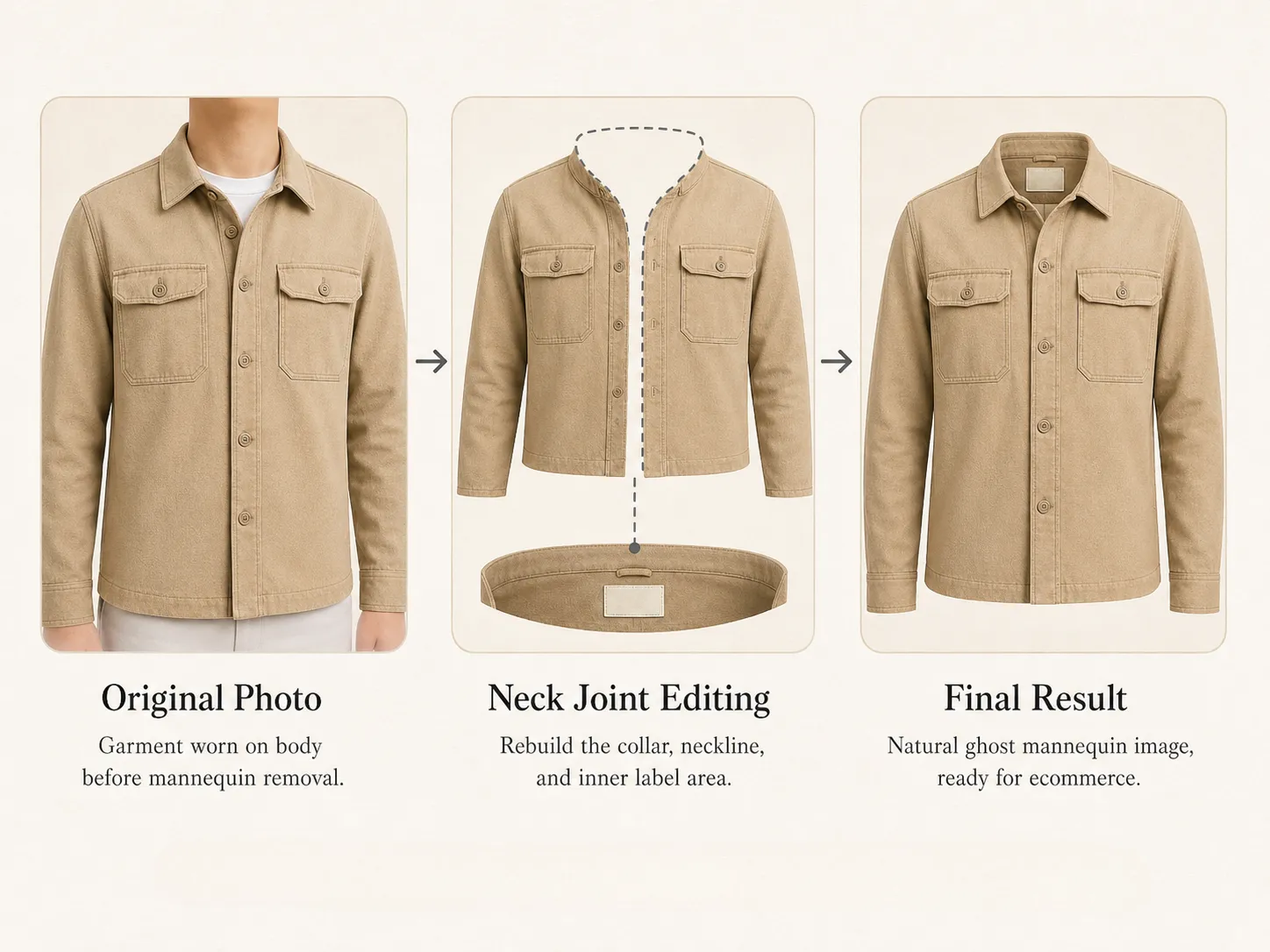
Neck joint editing refers to reconstructing the collar and neckline area of a garment after the mannequin is removed — it is typically the most difficult and time-consuming part of the ghost mannequin process. AdWorker's AI automatically corrects the neck joint as part of the standard processing step, with no extra input required.
Ghost mannequin vs flat lay — which is better for conversions?
Ghost mannequin photography is often preferred for apparel catalog images because it gives buyers a clearer sense of garment shape and drape than a simple flat lay. With AdWorker, you can convert flat lay shots into ghost mannequin output automatically — no need to re-shoot.
Can I make a ghost mannequin photo online without a real mannequin?
Yes — that is exactly what this tool is for. Upload any clothing photo and the AI reconstructs the ghost mannequin shape automatically, with no mannequin purchase or Photoshop skills needed.
What clothing categories does the ghost mannequin tool support?
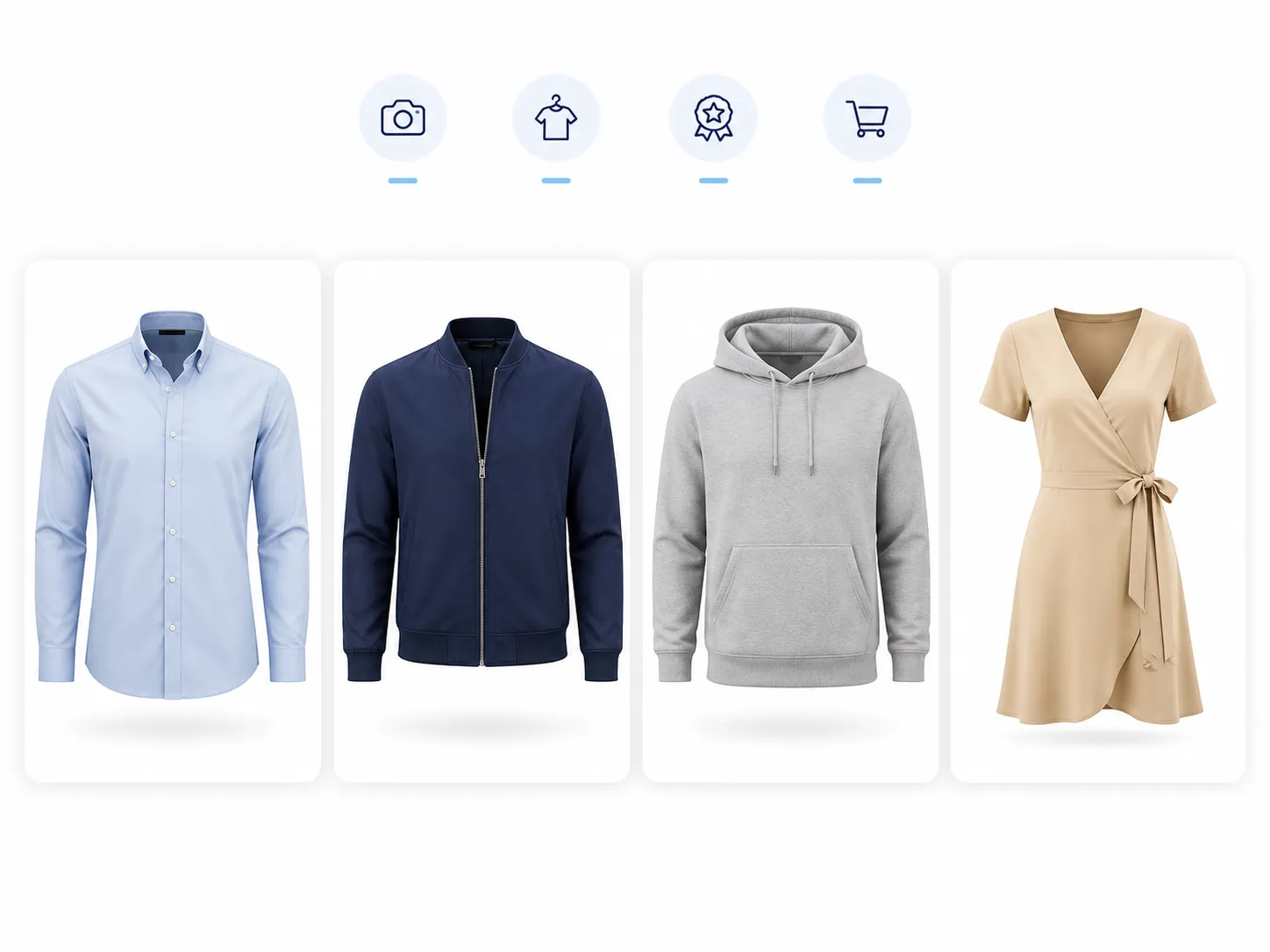
The tool works best with common apparel categories including t-shirts, shirts, jackets, hoodies, dresses, suits, swimwear, and knitwear. If your garment has fine transparent details (such as lace or mesh), results may vary — test one image first and review the output before using it in a catalog.
Is ghost mannequin product photography better than on-model photos?
They serve different purposes. Ghost mannequin product photography is best for clean, consistent catalog images where shoppers can compare garment shape, neckline, sleeves, and fit without model distractions. On-model photos are still useful for lifestyle shots, scale, and styling context.
Can Shopify sellers use ghost mannequin images directly in their store?
Yes. AdWorker exports ghost mannequin images as PNG files with a white or transparent background, which works well for Shopify product grids. The clean white-background output helps keep your store visuals consistent — especially useful for clothing brands listing multiple SKUs across shirts, jackets, dresses, and hoodies.
Is there a free ghost mannequin creator I can use online without downloading anything?
Yes — AdWorker's ghost mannequin tool is a fully browser-based ghost mannequin creator online. No software download, no Photoshop, and no account required. Upload your clothing photo, let the AI process the garment, and download the invisible mannequin result directly from your browser.
How does AI ghost mannequin photo editing work compared to manual Photoshop editing?
In traditional ghost mannequin photo editing, an editor manually masks the garment, removes the model or mannequin layer by layer, reconstructs the neckline and collar area, and composites an inside-label shot — a process that can take 15–30 minutes per image. AI ghost mannequin editing automates every step: the model detects the garment boundary, infers the hidden collar and sleeve structure, and outputs a clean ecommerce-ready result in seconds. The main trade-off is that highly complex garments with fine lace or unusual necklines may still benefit from a manual review pass.